 Skip to content
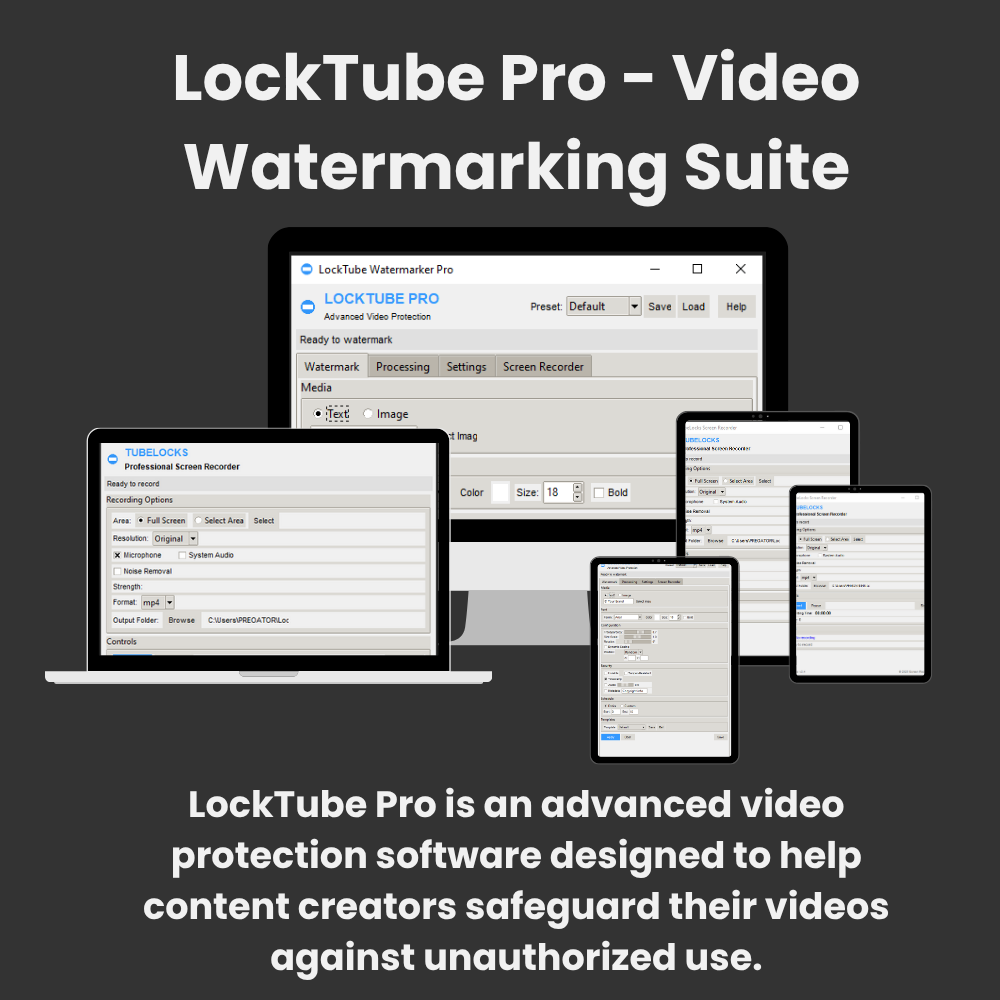
LockTube Pro is an advanced video protection software designed to help content creators safeguard their videos against unauthorized use. It allows users to add customizable text/image watermarks to videos or live screens, record screen activities with audio, and apply tamper-resistant security features. The software supports both individual video processing and batch operations, making it ideal for securing digital content across platforms like YouTube, social media, and business presentations.
- 📈 USAGE TIPS:
🎥 Video Watermarking Tips
Start Simple: Begin with a basic text watermark to test functionality before moving to image watermarks
Positioning: Use “Random” position for better protection against removal
Transparency: Set between 0.5-0.7 for visible but non-intrusive watermarks
Size: For image watermarks, use 1.0-1.5 scale for optimal visibilitySecurity Features:
Enable “Tamper-Resistant” for important videos
Use “Invisible” for forensic watermarking
Add timestamps for evidence tracking🚀 Video Processing Tips
Frame Skipping:
Use 0 for highest quality (no skip)
Use 1-2 for faster processing of long videos
Use 3-4 for quick previewsResolution Selection:
“Original” for best quality
“1080p” for HD content
“720p” for web sharing
“480p” for mobile viewingAnimation Styles:
“Linear” for professional content
“Circular” for creative projects
“Random” for maximum protectionBatch Processing:
Process multiple videos at once by selecting a folder
Use consistent settings for brand consistency
Output files are saved in ~/LockTubeBatchOutput🖥️ Screen Recording Tips
Area Selection:
Use “Select Area” to record specific windows
“Full Screen” for presentations
Save custom areas for frequent recordingsResolution:
“Original” for maximum quality
“1080p” for HD recordings
“720p” for smaller file sizesAudio Recording:
Enable for tutorials and presentations
Disable for silent screen capturesKeyboard Shortcuts:
S: Start recording
P: Pause/resume recording
C: Stop recording⚙️ Settings & Optimization
Presets & Templates:
Save watermark settings as templates for reuse
Create different presets for various content types
Share presets with team membersPerformance:
Close other applications during video processing
Use lower resolution for faster processing
Enable frame skipping for long videosOutput Quality:
Higher bitrate (7000-10000) for professional work
Medium bitrate (4000-6000) for web sharing
Lower bitrate (2000-3000) for quick previews🛠️ Troubleshooting
No Audio in Output Videos:
Ensure original video has audio
Check audio codec compatibility
Try different output formats
Watermark Not Visible:
Increase transparency
Choose brighter colors
Increase size scaleProcessing Too Slow:
Reduce output resolution
Increase frame skip value
Use simpler watermark animationsFile Not Saving:
Check available disk space
Verify write permissions
Try different output directory💡 Advanced Features
Metadata Watermarking: Embed copyright info directly in file metadata
Audio Watermarking: Add inaudible watermarks to audio track
Scheduling: Set watermarks to appear at specific times
Security Patterns: Enable tamper-resistant patterns for important content📂 File Management
Output Locations:
Watermarked videos: ~/LockTubeOutput
Screen recordings: ~/LockTubeRecordings
Batch processing: ~/LockTubeBatchOutputFormats:
Use MP4 for best compatibility


Reviews
There are no reviews yet.