 Skip to content
Lifetime Plan – ₹ 2499
For creators and professionals who need full control.
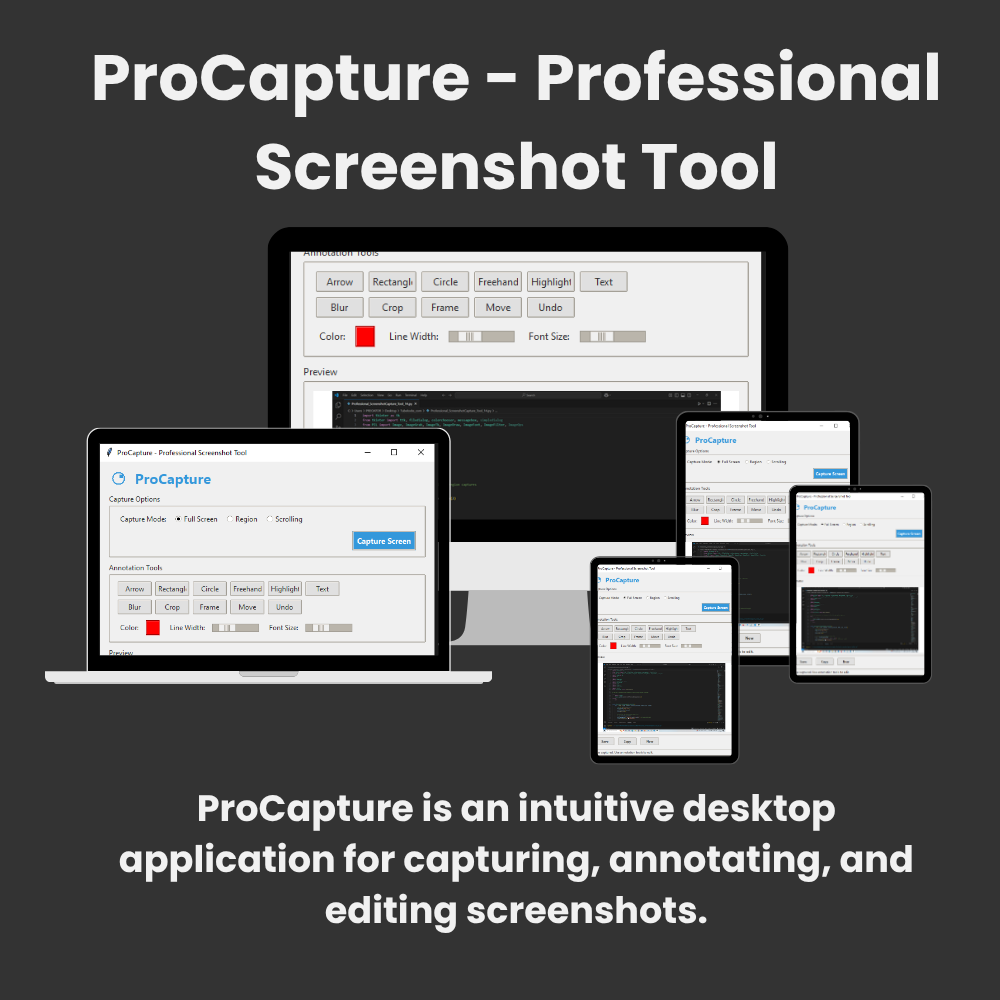
 Capture Modes:
Full screen
Custom regions
Scrolling windows (e.g., long web pages)
 Annotation Tools:
Arrows, rectangles, circles, freehand drawing
Text boxes with customizable fonts/colors
Highlighting and blurring tools
Decorative frames
 Editing Features:
Crop images
Move/resize annotations
Undo edits
 Export Options:
Save as PNG/JPEG
Copy to clipboard

 Basic Plan – ₹ 150 /Month
For creators and professionals who need full control.
- Capture Modes:
Full screen
Custom regions
Scrolling windows (e.g., long web pages)
- Annotation Tools:
Arrows, rectangles, circles, freehand drawing
Text boxes with customizable fonts/colors
Highlighting and blurring tools
Decorative frames
- Editing Features:
Crop images
Move/resize annotations
Undo edits
- Export Options:
Save as PNG/JPEG
Copy to clipboard
 Pro+ Plan – ₹ 1260 / 12 Months (Save 30%)
Ideal for regular users and small businesses.
Includes everything in Pro Plan, plus:
- Capture Modes:
Full screen
Custom regions
Scrolling windows (e.g., long web pages)
- Annotation Tools:
Arrows, rectangles, circles, freehand drawing
Text boxes with customizable fonts/colors
Highlighting and blurring tools
Decorative frames
- Editing Features:
Crop images
Move/resize annotations
Undo edits
- Export Options:
Save as PNG/JPEG
Copy to clipboard

